
Sheet 13 of 15
Perforate: Fill a Sheet with a Pattern of Holes
In 5 minutes you'll fill a vent cover with a pattern of round holes using Perforate, and see where SolidCraft puts them: in the flat pattern and the DXF for the laser.
- Part
- Perforate
- Rule
- Steel 1mm
- Sheet
- t 1 · R 1 · K 0.4
- Time
- 5 min
- Status
- Open
OP 10Watch
Video in productionBuild along with the steps in OP 30 meanwhile.
OP 20Turn the part
Drag to turn, scroll or pinch to zoom. Flat shows the blank before it is bent: the same sheet, the same frame.
The model shows part A, for illustration. Your part has its own sizes: build it from the drawing in OP 30.
OP 30Build it in SolidCraft
Part A of 8. Every learner gets a part with its own sizes, so the values you check below are yours to find.
A new part has new sizes. It clears this sheet's checks and ticked steps; your quiz answers stay.
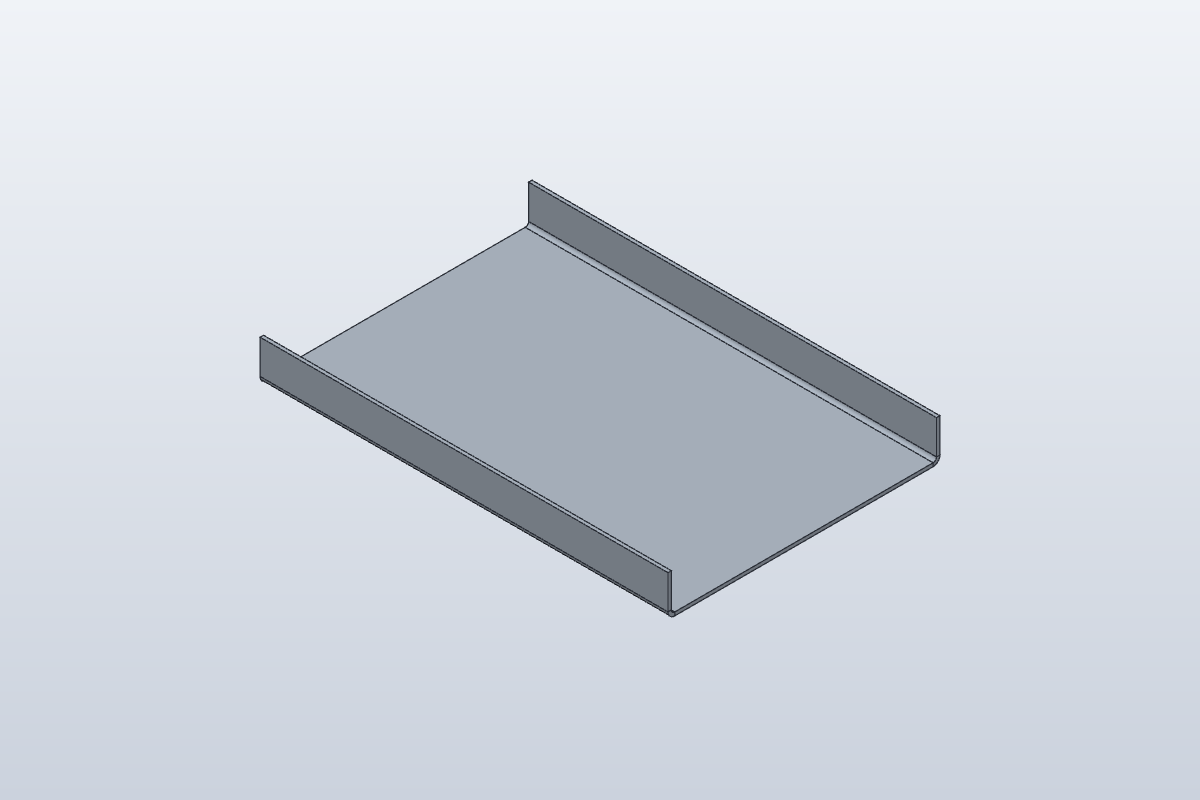
The picture shows part A, for illustration. Build your part from the drawing and the sizes listed here.
- Rule
- Steel 1mm
- Thickness
- 1 mm
- Bend radius
- 1 mm
- K-factor
- 0.4
As typed in this exercise
- Sketch Base on XY: rectangle (0, 0) to (120, 80)
- Flange: height 12
- Perforate: diameter 5 mm, pitch 8 mm
Your task
Build this vent cover from the drawing above.
- The rule from the drawing's notes, the base, and both long edges flanged in one Flange.
- New this time: Sheet Metal tab › Create ▾ › Perforate, with the diameter and pitch listed under the drawing. Leave Margin empty and Pattern Staggered (60°).
- Flat Pattern: read the flat length across the bends and the Bends. The holes show here, not on the 3D part.
- Export DXF… from the Flat Pattern: the holes are on the layer PERFORATION.
What to write down
- Box 1: The flat length across the two bends (the Flat size row; the other side is 120 mm).
- Box 2: The number of bends (the Bends row).
Type them below and press Check. Then try it yourself: double-click Perforate1 in the timeline, set Pattern to Square, OK, and open the Flat Pattern again. The holes line up in a square grid, and the flat size stays the same.
OP 40Inspect
Enter what SolidCraft shows you. Each value is checked against SolidCraft's own result, within the tolerance shown. Nothing you type leaves this page.
Stuck? Compare with the finished part
This opens once you've checked every box at least once: try it yourself first.
Open it in SolidCraft (File › Open) next to yours and compare the timeline, the rule and each feature's sizes: the first one that differs is where yours went wrong.
exercise · Steel 1mm · t 1 · R 1 · K 0.4 · all dimensions in mm, from the blank's left and bottom edgesFlat blank 120.000 × 100.398 mm · 2 bends
Perforation: 122 holes Ø5 mm, staggered, pitch 8 mm.
| Bend | Angle | Dir. | R mm | Length mm | Allowance mm |
|---|---|---|---|---|---|
| 1 | 90° | up | 1 | 120 | 2.199 |
| 2 | 90° | up | 1 | 120 | 2.199 |
OP 50Quiz
Q1How do you set your own hole size for Perforate?
Perforate has its own dialog (Sheet Metal tab › Create › Perforate): Diameter is the hole size, Pitch the distance from one hole's centre to the next.
Q2You type Diameter 8 mm and Pitch 5 mm. What happens?
Pitch is centre to centre, so it has to be bigger than the hole, or the holes would run into each other. SolidCraft says so and makes nothing: swap the two values.
Q3Where can you see the perforation holes?
SolidCraft doesn't cut the holes into the 3D part: the Flat Pattern view draws them and the DXF has them on their own layer, PERFORATION, ready for the laser.
Every value is within tolerance. This sheet is done.
Sheet 14: Flat Pattern, Bend Table, DXF