
A Lid That Fits: Sizing One Part from Another
In 6 minutes you'll size a lid from the tray it covers: the tray's outside, plus a small gap and the lid's own sheet on every side, then fold its walls down over the tray.
- Lesson
- Sheet 02 of 05
- Part
- A Lid That Fits
- Rule
- Steel 1.5mm
- Sheet
- t 1.5 · R 1.5 · K 0.4
- Time
- 6 min
- Status
- Open
Watch
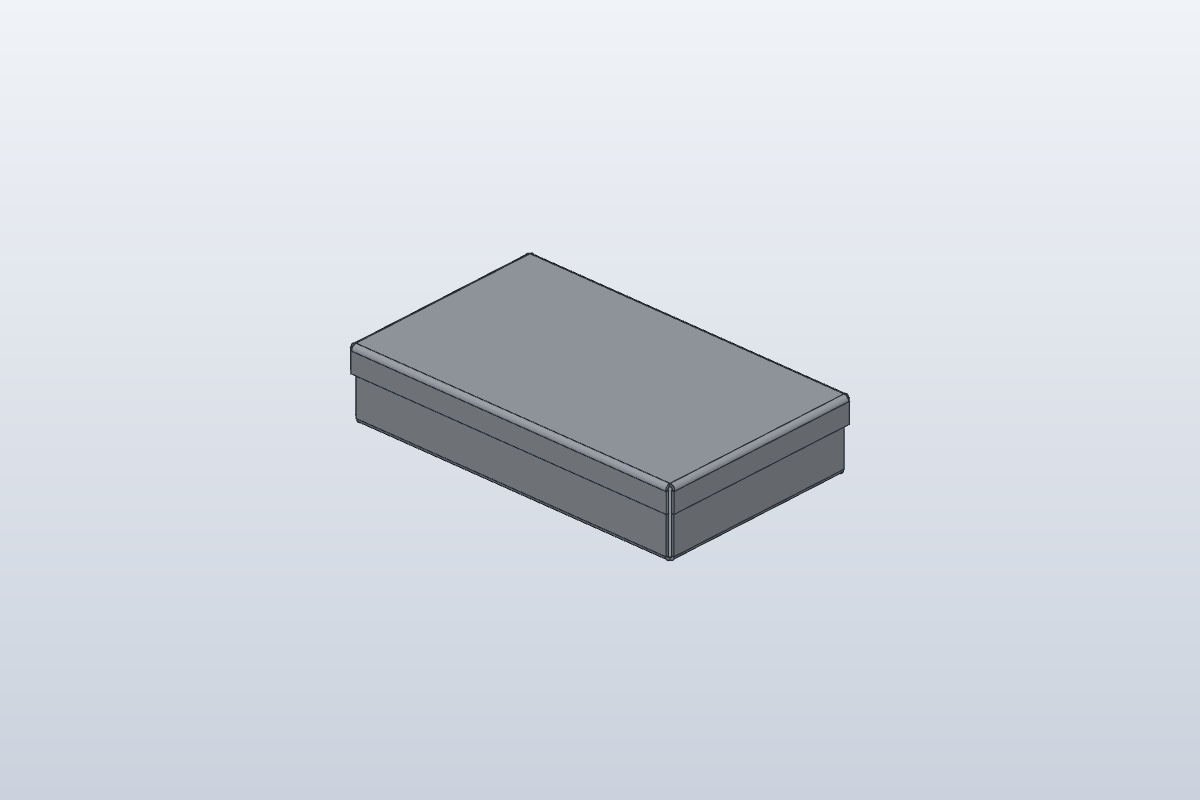
Video in productionBuild along with the steps below meanwhile.
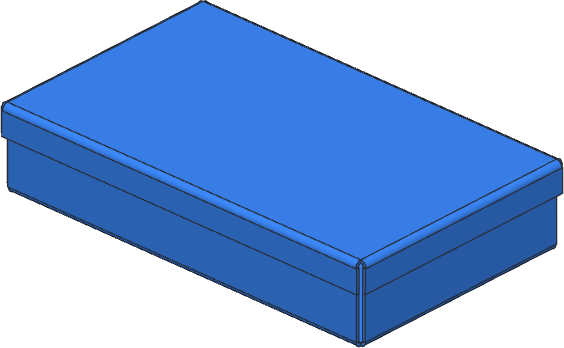
Turn the part
Drag to turn, scroll or pinch to zoom. Flat shows the blank before it is bent: the same sheet, the same frame.
The model shows part A, for illustration. Your part has its own sizes: build it from the drawing below.
Build it in SolidCraft
Part A of 8. Every learner gets a part with its own sizes, so the values you check below are yours to find.
A new part has new sizes. It clears this sheet's checks and ticked steps; your quiz answers stay.
The picture shows part A, for illustration. Build your part from the drawing and the sizes listed here.
- Rule
- Steel 1.5mm
- Thickness
- 1.5 mm
- Bend radius
- 1.5 mm
- K-factor
- 0.4
Your task
Build the tray from the drawing, then a lid that fits over it. Both parts are in one design, so you can see them together.
- The rule and the tray, as in sheet 01 but centred on the origin: draw its base with Center Rectangle, its centre on the origin. Then the four walls and the four lips folded in.
- New this time: work out the lid's size from the tray. Its walls go outside the tray's walls, so each side needs the gap (0.2 mm) and the lid's own sheet (1.5 mm): the lid's rectangle is 3.4 mm bigger than the tray each way, centred on the origin too.
- A sketch on a plane 40 up (Model tab › Construct › Offset Plane, from XY), that rectangle (Center Rectangle on the origin), and Flange. It doesn't touch the tray, so it becomes a second body: the lid.
- Flange on the lid's four top edges, the drawing's height, Flip so the walls fold down over the tray.
- Inspect › Interference on the two bodies: none means it fits.
- Select the lid, Flat Pattern: read its Flat size. Then give both bodies the physical material Steel and read the design's Mass in Properties.
What to write down
- Box 1: The lid's Flat size, first number.
- Box 2: The lid's Flat size, second number.
- Box 3: The mass of tray and lid together, in steel.
Type them below and press Check.
Check your numbers
Enter what SolidCraft shows you. Each value is checked against SolidCraft's own result, within the tolerance shown. Nothing you type leaves this page.
Stuck? Compare with the finished part
This opens once you've checked every box at least once: try it yourself first.
Open it in SolidCraft (File › Open) next to yours and compare the timeline, the rule and each feature's sizes: the first one that differs is where yours went wrong.
exercise · Steel 1.5mm · t 1.5 · R 1.5 · K 0.4 · all dimensions in mm, from the blank's left and bottom edgesFlat blank 227.997 × 147.997 mm · 4 bends
| Bend | Angle | Dir. | R mm | Length mm | Allowance mm |
|---|---|---|---|---|---|
| 1 | 90° | down | 1.5 | 197.4 | 3.299 |
| 2 | 90° | down | 1.5 | 117.4 | 3.299 |
| 3 | 90° | down | 1.5 | 197.4 | 3.299 |
| 4 | 90° | down | 1.5 | 117.4 | 3.299 |
exercise-tight · Steel 1.5mm · t 1.5 · R 1.5 · K 0.4 · all dimensions in mm, from the blank's left and bottom edgesFlat blank 224.597 × 144.597 mm · 4 bends
| Bend | Angle | Dir. | R mm | Length mm | Allowance mm |
|---|---|---|---|---|---|
| 1 | 90° | down | 1.5 | 194 | 3.299 |
| 2 | 90° | down | 1.5 | 114 | 3.299 |
| 3 | 90° | down | 1.5 | 194 | 3.299 |
| 4 | 90° | down | 1.5 | 114 | 3.299 |
exercise-trayflat · Steel 1.5mm · t 1.5 · R 1.5 · K 0.4 · all dimensions in mm, from the blank's left and bottom edgesFlat blank 293.195 × 213.195 mm · 8 bends
| Bend | Angle | Dir. | R mm | Length mm | Allowance mm |
|---|---|---|---|---|---|
| 1 | 90° | up | 1.5 | 194 | 3.299 |
| 2 | 90° | up | 1.5 | 114 | 3.299 |
| 3 | 90° | up | 1.5 | 194 | 3.299 |
| 4 | 90° | up | 1.5 | 114 | 3.299 |
| 5 | 90° | up | 1.5 | 191.88 | 3.299 |
| 6 | 90° | up | 1.5 | 111.88 | 3.299 |
| 7 | 90° | up | 1.5 | 191.88 | 3.299 |
| 8 | 90° | up | 1.5 | 111.88 | 3.299 |
Quiz
Q1The tray is {{W}} wide outside. How wide is the lid's sketch?
The lid's walls go outside the tray's walls. Each side needs the gap (0.2 mm) and the lid's own sheet (1.5 mm): {{W}} + 2 × 1.7.
Q2Why doesn't the lid join the tray when you Flange its sketch?
A base flange from a sketch that isn't part of an existing sheet makes a new body. Two bodies, two flat patterns: one for each part the laser cuts.
Q3How do you check the lid doesn't hit the tray?
Interference finds any volume the two bodies share. None means the lid fits; anything it lists is where they collide.
Every value is within tolerance. This sheet is done.
Sheet 03: Cut Through Folded Walls